

General usage
Change the hostname from www.gravatar.com to gravatar.webp.se. The /avatar/:hash path stays the same.
Original
https://www.gravatar.com/avatar/:hash↓Public servicehttps://gravatar.webp.se/avatar/:hashWordPress
Add the following filter to your active theme's functions.php. It normalizes the standard Gravatar hostnames and then routes the generated avatar URL through the public service.
function use_webp_public_service($avatar) {
    $avatar = str_replace(
        array("www.gravatar.com", "0.gravatar.com", "1.gravatar.com", "2.gravatar.com"),
        "secure.gravatar.com",
        $avatar
    );
    $avatar = str_replace(
        "https://secure.gravatar.com",
        "https://gravatar.webp.se",
        $avatar
    );
    return $avatar;
}
add_filter("get_avatar", "use_webp_public_service");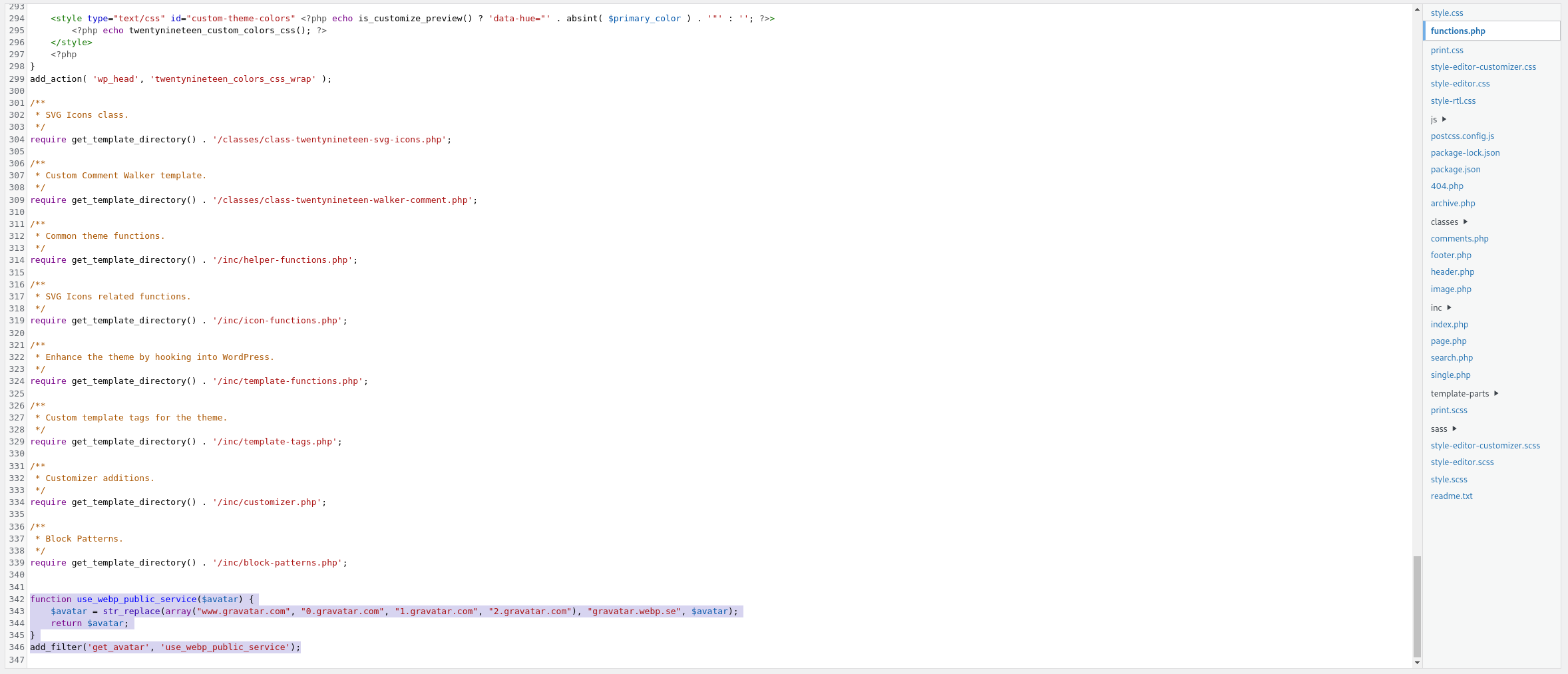
Theme files may be replaced during a theme update. If your site uses a child theme or a snippets plugin, place the filter there instead.